
If you are trying to access your PNP Clearance Online Account but facing login errors, OTP issues, or website problems, this guide will help you fix everything step-by-step using real user experiences, Google search patterns, and common Reddit-reported issues.
🔐 What is PNP Clearance Login?
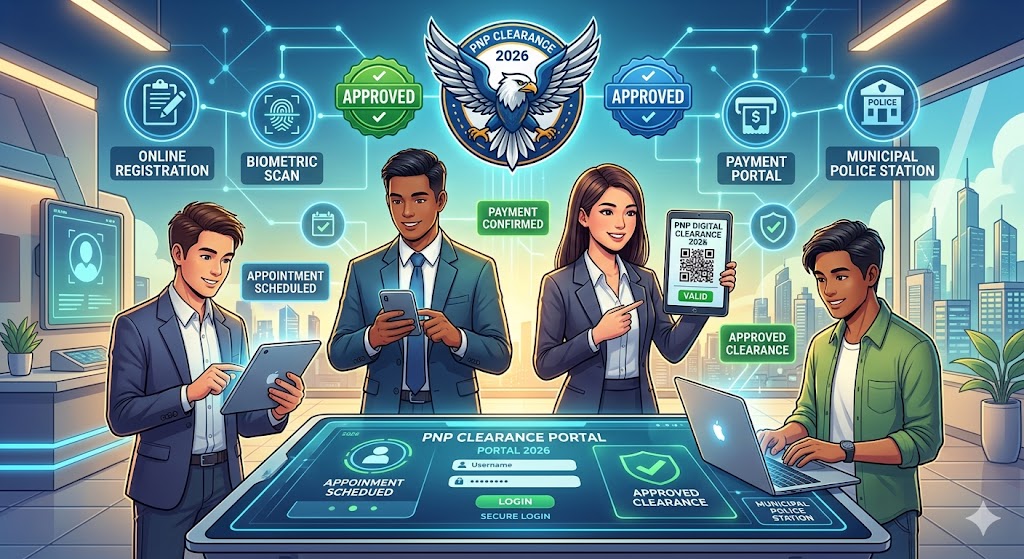
The PNP Clearance Login Portal is part of the Philippine National Police Clearance System (NPCS), where applicants:
- Access their account
- Book appointments
- Update personal details
- Check payment status
- Download clearance status
Official system: NPCS Online Portal (PNP Clearance System)
🚀 How to Login to PNP Clearance Account (Step-by-Step)
Step 1: Go to Official Website
Open NPCS portal in your browser.
Step 2: Enter Login Details
- Registered email address
- Password
Step 3: Solve CAPTCHA
Complete security verification.
Step 4: Click LOGIN
You will be redirected to your dashboard.
Read more: How to register Police Clearance Online & Pay Via GCash?
⚠️ Common PNP Clearance Login Problems (Real User Issues)
This section is based on Google search trends + Reddit user complaints + applicant experiences.
❌ 1. “Invalid Login Credentials”
Why it happens:
- Wrong password
- Email not verified
- Typo in email
Fix:
- Reset password using “Forgot Password”
- Check email spelling carefully
- Try different browser
❌ 2. OTP Not Received (Very Common Issue)
Many users report:
“I never receive OTP email even after multiple attempts.”
Fix:
- Check Spam / Junk folder
- Wait 5–10 minutes
- Use Gmail instead of Yahoo/old email providers
- Try resend OTP
❌ 3. Website Not Loading / Server Down
During peak hours, NPCS portal becomes slow or unreachable.
Fix:
- Try early morning (7–9 AM)
- Switch to mobile data
- Clear browser cache
❌ 4. Account Locked Issue
After multiple failed attempts, account may lock.
Fix:
- Wait 15–30 minutes
- Use password reset option
- Avoid repeated wrong login attempts
5. Forgot Email Used for Registration
This is a major issue reported by users.
Fix:
- Try all possible emails
- Check old SMS/email confirmations
- Visit police station if recovery fails
Real User Experience
Many applicants experience frustration like:
- Login works but dashboard won’t load
- OTP delays during peak hours
- Payment status not syncing immediately
- System logout automatically
👉 These issues are usually due to high server traffic + outdated browser sessions.
🧾 Tips to Avoid Login Problems
✔ Use updated browser
- Google Chrome recommended
- Avoid old mobile browsers
✔ Always clear cache
- Prevents session errors
✔ Login during off-peak hours
- Morning is best
✔ Use stable internet
- Avoid switching networks during login
🔐 Password Reset Guide
If you cannot login:
Step 1:
Click “Forgot Password”
Step 2:
Enter registered email
Step 3:
Check email for reset link
Step 4:
Create new strong password
Important Login Rules
- Only one account per applicant
- Email must be active and accessible
- Avoid multiple fake registrations
- Always save login credentials safely
When You Should Visit Police Station
Go physically if:
- Email recovery fails
- Account completely inaccessible
- System shows inconsistent records
- Personal details cannot be edited
❓ Frequently Asked Questions?: PNP Clearance Login Guide
Q1: Why I cannot login to PNP Clearance?
Usually due to wrong credentials, OTP delay, or server issues.
Q2: Can I use mobile to login?
Yes, but Chrome browser is recommended.
Q3: Why OTP is not coming?
Spam filter or email delay from system servers.
Q4: Is PNP Clearance login free?
Yes, registration is free. Fees apply for clearance processing.